
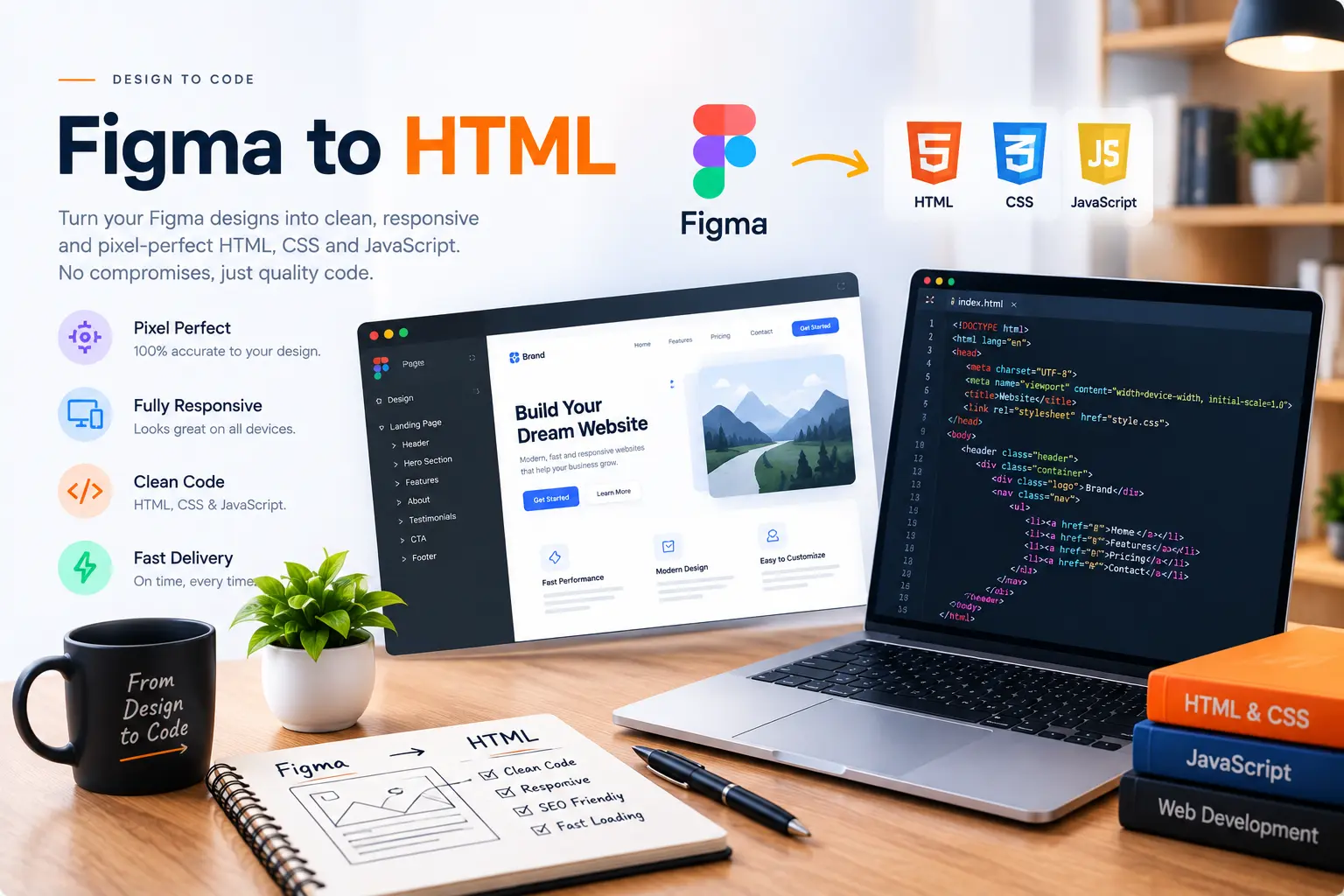
Your Figma or PSD design, turned into a website that actually works.
Pixel-accurate conversion into clean, semantic HTML, CSS and JavaScript — hand-coded, not auto-exported from a plugin.
A design tool shows the vision. Code has to deliver it.
Figma and Photoshop are great for showing exactly how a page should look, but a design file is a static image made of layers — it isn't a website. Getting it there means measuring spacing, matching fonts and colors exactly, and rebuilding every component as real, responsive code.
I convert Figma and PSD files by hand into semantic HTML and CSS, matching the design pixel-for-pixel across desktop, tablet and mobile, without relying on auto-export plugins that tend to produce bloated, hard-to-edit markup.
What's included in a Figma/PSD to HTML conversion.
Every conversion is hand-built, matched against the original file and tested across screen sizes.
- Pixel-accurate layout matching to your design file
- Semantic, hand-coded HTML and CSS — no auto-export
- Fonts, colors and spacing matched exactly
- Fully responsive across desktop, tablet and mobile
- Interactive elements built with JavaScript
- Clean, readable, well-structured code
- Cross-browser testing before delivery
- Source files handed over with full ownership
Why hire me for Figma or PSD to HTML.
Pixel-Accurate Matching
Layout, spacing, fonts and colors are matched against your design file, not approximated.
No Auto-Export Plugins
Every conversion is hand-coded, avoiding the bloated, unreadable markup that export plugins tend to produce.
Responsive By Default
The static design is rebuilt to work properly across every screen size, not just the frame it was designed in.
Years Of Conversion Experience
Figma and PSD to HTML has been a core part of 2000+ completed projects.
How a Figma/PSD to HTML project runs.
File review
I go through your Figma or PSD file to check layers, components, fonts and any interactions that need to be built.
Structure planning
Sections are mapped into semantic HTML structure before any styling begins.
Hand-coded build
The design is rebuilt pixel-by-pixel in HTML and CSS, with JavaScript added for any interactive elements.
Match & test
The finished page is checked against the original design file and tested across devices before handover.
Figma & PSD to HTML questions clients ask.
As long as you can share a view or export link, or export the assets and specs, the file can usually be converted without needing edit access.
Very close to the original — spacing, fonts, colors and layout are matched directly against the design file across desktop, tablet and mobile.
No. Auto-export plugins tend to produce messy, hard-to-edit markup. Every conversion is written by hand for clean, maintainable code.
Yes. Scroll animations, hover effects and interactive prototypes shown in Figma can be rebuilt with CSS and JavaScript.
That's common. I'll design the mobile and tablet breakpoints to match the style of your desktop file so the site is fully responsive.
Have a Figma or PSD file ready to convert?
Send over the file or a share link and I'll quote a turnaround time.
Get a Free Quote